How LNCs Can Use AI Image Creation Tools to Attract Attorney Clients
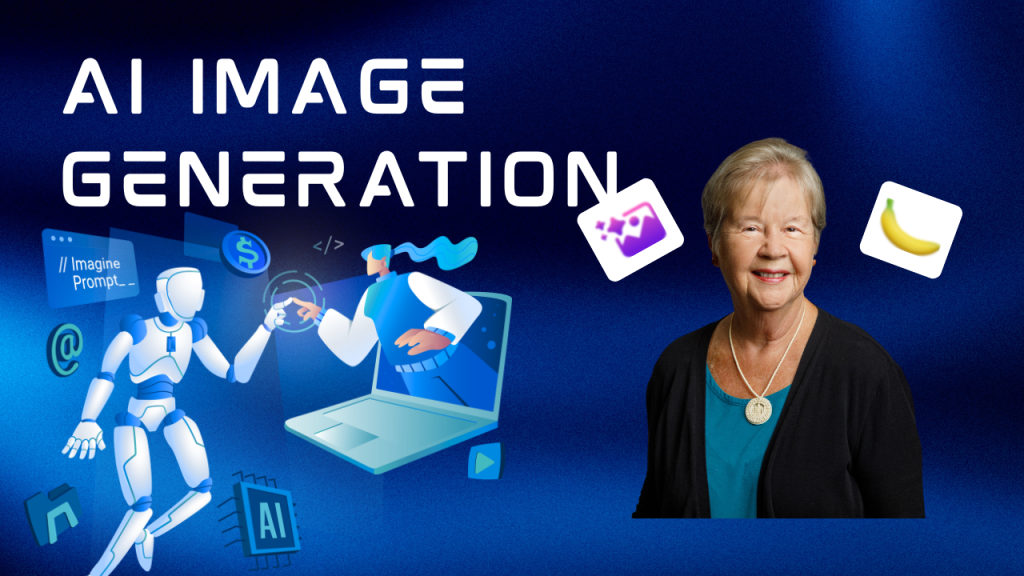 As you develop content to attract attorneys to your services, you'll find yourself wishing for that precise image you need to illustrate your point. The great news is that AI image creation tools have matured, expanded, and improved since they first started being available a few years ago.
- Where can you use these?
- Blog posts
- Social media posts
- Thumbnails for videos
- Website
- Lead magnets
AI image generation has settled into a new normal: the question is no longer “Can it make a picture?” but “Can it make this picture, on-brand, with clean text, the right hands, and edits that don’t break everything?”
In 2026, the best tools feel less like machines and more like creative workspaces—prompting, iterating, editing, and exporting in one flow. Here’s a practical tour of the most-used options, with clear pros/cons and where each one fits.
ChatGPT Images (OpenAI)
OpenAI’s current direction is “chat-first” image making: you describe what you want, ask for revisions in plain English, and it keeps context across its versions.
OpenAI describes “ChatGPT Images” as a newer system that improves precision edits and consistency, and they also support image generation via API , which stands for Application Programming Interface. An API is a set of rules that allows one software program to talk to another software program.
(OpenAI)
Pros of using ChatGPT's images
- Excellent for iterative edits (“make the background lighter,” “keep the same layout, change the headline”).
- Strong prompt-following and text rendering compared with older generators. (OpenAI)
- Convenient: one place for ideation + images.
Cons
- Output style can vary by model/version as the platform updates.
Google Gemini image generation (Nano Banana 2 / Gemini 3.1 Flash Image)
Google is pushing hard on speed, broad availability, and content authenticity. Recent reporting describes “Nano Banana 2” becoming widely available, with higher resolution output and improved text/object handling, plus it is using watermarking/credentials initiatives such as SynthID and C2PA. (The Verge).
Watermarking is often a system designed to push you to a paid plan without watermarks from a free one with watermarks.
Pros
- Fast, accessible, and improving quickly on realism and readable text. (Android Central)
- Transparency tooling is a real differentiator for brands and educators. (blog.google)
Cons
- As Google rolls models across products, features can change depending on which Gemini surface you’re using.
- Style control may feel less “boutique” than Midjourney.
Black Forest Labs FLUX
FLUX has become a major name for high-quality generation and editing, with “Kontext” positioned around instructing edits on existing images. (Black Forest Labs)
Prohttp://Black Forest Labs (FLUX): https://bfl.ai/s
- Strong image quality and modern editing capabilities. (Black Forest Labs)
- Attractive for teams that want an API-first, production approach.
Cons
- Often used through partners/platforms, so “where you use it” can shape cost and features.
- If you’re not technical, you may prefer an all-in-one app UI (user interface).
Ideogram
Ideogram built a reputation on something surprisingly hard: clean, readable typography inside images. It’s a solid choice for posters, social graphics, and anything where text inside the image matters. (MindStudio)
Pros
- Great at embedding readable words in images (relative to many competitors). (MindStudio)
- Simple UI; good for quick marketing comps.
Cons
- Less of a full design suite than Canva/Adobe.
- Advanced control varies by plan. (Ideogram)
- The platform constantly pushes you from trying the free plan to buying a paid plan.
Canva Magic Media (Text to Image)
Canva’s strength is obvious: you’re likely already designing there, so generating images inside the design tool is frictionless. Canva documents Magic Media and its AI hub (Magic Studio).
(Canva) Canva is introducing new AI tools at a rapid clip. Spend some time exploring what it has to offer.
Pros
- Fastest path from idea → finished graphic because layout, fonts, and export are right there. (Canva)
- Great for teams that live in templates and brand kits.
- It has greatly improved since the early days when it added extra finers or legs of humans.
Cons
- Power users may find image control more limited than Midjourney or ComfyUI.
- “Best” results often come from generating elsewhere, then assembling in Canva.
Here's the honest rule of thumb is: pick one “fast-and-easy” tool (Canva or ChatGPT Images), one “high-style” tool (Midjourney), and one “pro-editing” path (Adobe or a Stable Diffusion workflow). That combo covers 95% of real-world needs without turning your week into a settings menu.
Pat Iyer MSN RN LNCC is president of The Pat Iyer Group. She develops resources to assist LNCs in obtaining more clients, making more money, and achieving their business goals and dreams.
Have you heard the most recent podcasts on Legal Nurse Podcast? The show is in its 9th year, putting it in the top 1% of all podcasts for its longevity. Watch our podcast on YouTube at http://LNC.tips/YouTube.
Join our Facebook group, LNC Business Growth Circle, to be part of our LNC community.
Pat's related websites include the podcasts broadcast at podcast.legalnursebusiness.com, and writing tips supplied at patiyer.com.
Get all of Pat's content in one place by downloading the mobile app, Expert Edu at www.legalnursebusiness.com/expertedu. Watch videos, listen to podcasts, read blogs, watch online courses and training, and more.